

Integrations
Connect the tools your team already runs on.
Signal replaces most of a sales stack, so the list below is short on purpose. These are the connections that matter: the inbox you send from, the calendar you keep, the phone system you dial with, and the places your team already gets told things.
14 days free. No credit card.
- 14 days free
- No credit card
- Unlimited users
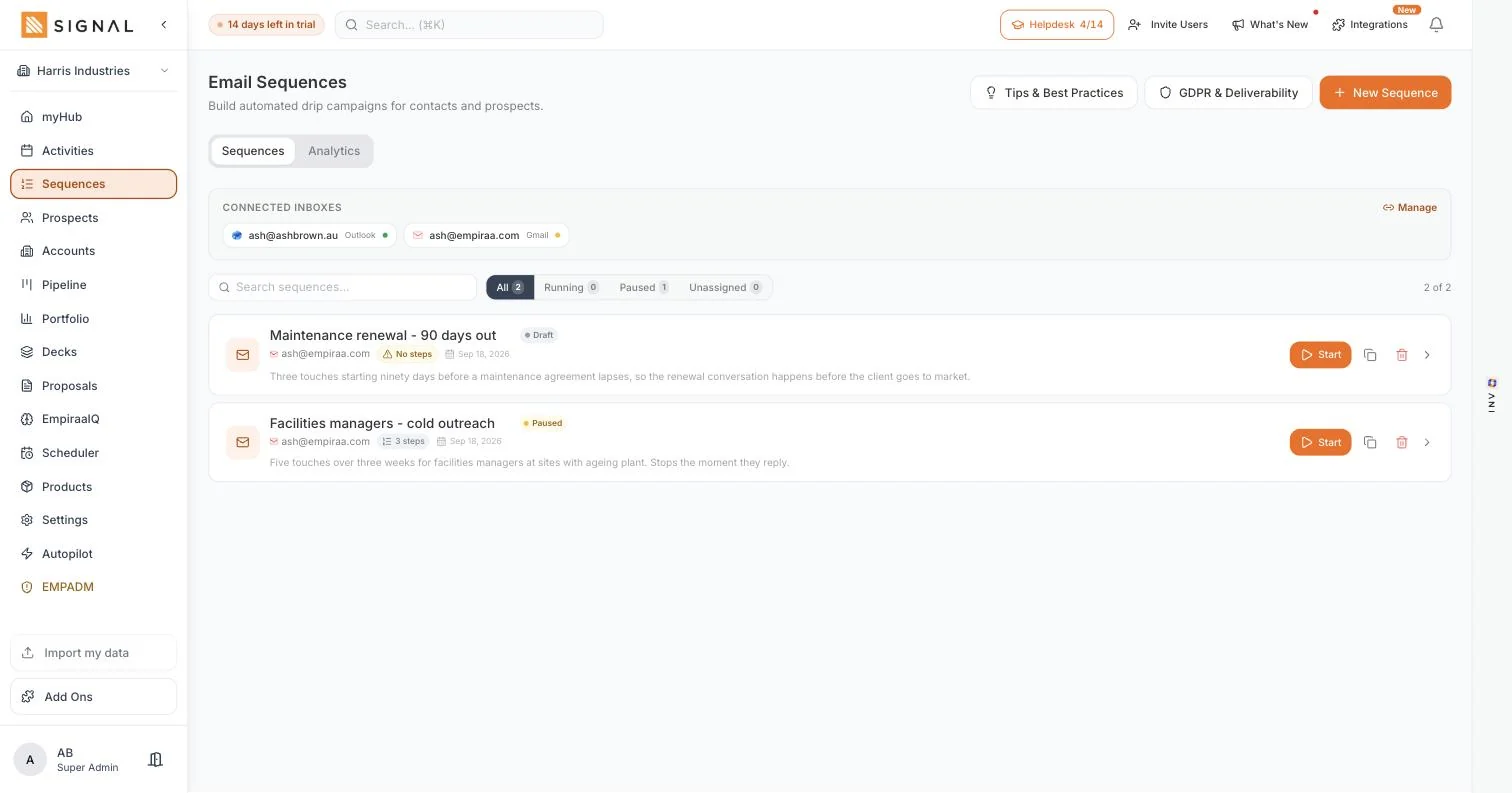
 Empiraa SignalGmail and Outlook
Connect your inbox
- Sequences send from your address, with your signature
- Replies land in your inbox and stop the sequence
- One inbox or several, so a team is not all sending from one address
Gmail and Microsoft Outlook connect directly. Nothing is sent through a shared relay.
The point
Fewer integrations, because there is less to join up.
Most sales stacks need integrations to survive. This one needs a handful.
Why the list is short
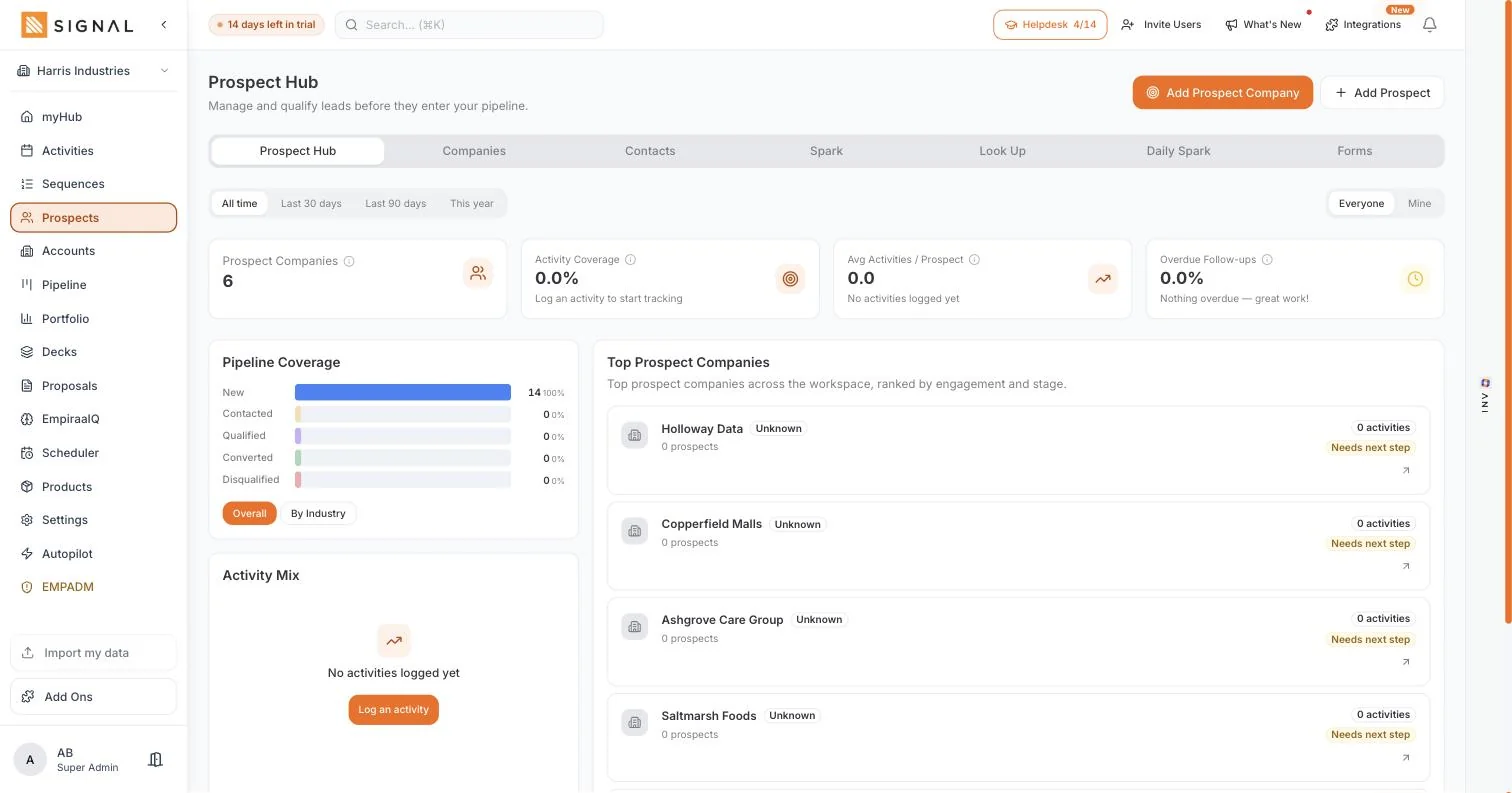
Prospecting is already inside
The data tool, the sequencer and the pipeline are one system, so there is nothing to sync between them and nothing to go out of step overnight.
An integration is a thing that breaks
Every connector is a token that expires and a field mapping somebody has to maintain. The fewer of them sitting between your list and your deals, the better.
So these are the ones worth having
Your inbox, your calendar, your phone system, your notifications and your finance system. The things Signal should never try to replace.
How it works
Connected in a few clicks, from Settings.
Connecting
Your inbox and your calendar
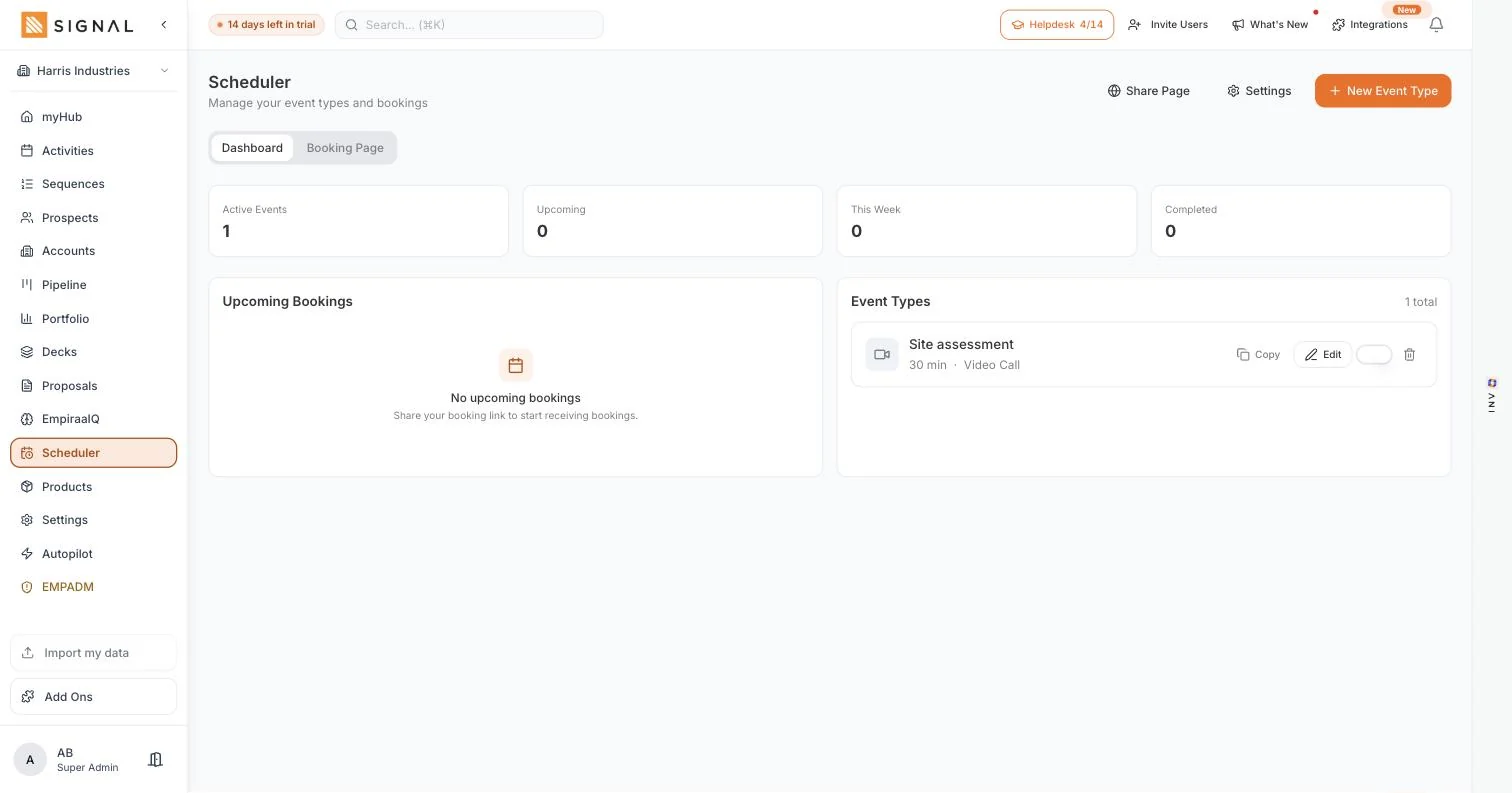
Connect Gmail or Microsoft Outlook and outreach goes from your own address. Connect Google Calendar or Outlook Calendar and the scheduler offers your real availability, then writes the booking into your diary.
- Gmail and Microsoft Outlook for sending, with replies coming back to you
- Google Calendar and Outlook Calendar, with events created on booking
- Outlook bookings can create the Teams meeting at the same time
Meetings and calls
Zoom creates the meeting link for a scheduled appointment. Twilio connects your own voice account for cloud calling, with the recording policy, retention period and consent settings kept in Signal rather than in a separate admin console.
- Zoom meetings created for scheduled appointments
- Twilio Voice with your own account, including the browser dialler
- Recording mode, consent mode, retention in days and blocked regions, set for the whole workspace
Where your team already gets told things
Push notifications into a Microsoft Teams channel or into Slack, so the people who do not live in Signal still hear about the things that matter. Meta Lead Ads brings leads from Facebook and Instagram straight in.
- Microsoft Teams notifications to a channel, by recipient
- Slack notifications to channels or direct messages
- Meta Lead Ads, so a paid lead arrives as a prospect rather than an email
Every plan has every feature. The difference between them is volume.
Explore Signal freeWhat connects
Everything Signal connects to today.
Read off the Connected Apps screen in the app. Anything still in build is deliberately not listed.
Connected apps
Gmail
Send sequences and emails from your own Google address, with replies coming back to you.
Microsoft Outlook
Outlook mail and calendar, with Teams meetings created on booking.
Google Calendar
Real availability on your booking page, and the event created when somebody books.
Zoom
A Zoom meeting created for a scheduled appointment, without you making the link.
Twilio Voice
Your own Twilio account for cloud calling, including the browser dialler.
Microsoft Teams
Push notifications into a Teams channel for the people who do not live in Signal.
Slack
Notifications into Slack channels or direct messages.
Meta Lead Ads
Leads from Facebook and Instagram arriving as prospects you can work.
QuickBooks
Sync invoices and customer spend, so what a customer is worth is not a guess.
Mailchimp and Brevo
Sync contacts and prospects into Mailchimp audiences or Brevo contact lists.
CSV import and export
Bring accounts, contacts, prospects, deals and your price list in, and take your data out.
Webhooks and an API
For the thing we do not connect to directly. Both live on the Autopilot screen.
Learn moreGetting started
Connect two things on day one.
The inbox and the calendar. The rest can wait until you need them.
Four steps
- 2 minutes
Connect your inbox
Gmail or Outlook. Nothing about outreach works properly until this is done.
- 2 minutes
Connect your calendar
Google or Outlook, so the booking page offers times you are genuinely free.
- 20 minutes
Import your data
Accounts, contacts, prospects and deals from a CSV, with ANI mapping the columns.
- Week two
Add notifications later
Teams or Slack, once you know which events your team actually wants to hear about.
By role
What it changes, seat by seat.
Who feels it
A sales rep
Mail, diary and dialler all in the place where the deals are.
Learn moreA sales manager
The team hears about wins and risks where they already talk to each other.
Learn moreA CEO or owner
Fewer connectors between you and your numbers, because fewer systems are involved.
Learn moreA team switching tools
Import what you have, keep the inbox and calendar you already use, and cancel the rest.
Learn moreQuestions
Integration questions, answered.
Do I have to connect anything to get started?
Only your inbox, and only when you want to send outreach. Everything else works without a single connection, because prospecting, the pipeline, decks and proposals are all part of Signal rather than separate tools being joined together.
Can I keep using Gmail or Outlook?
Yes, and you should. Sequences send from your own address with your signature and your sending reputation, and replies land in the inbox you already watch. More on sequences.
Does the calendar sync both ways?
Your booking page offers the times your connected calendar says you are free, and a booking creates the event in that calendar. With Outlook it can create the Teams meeting at the same time, and Zoom can create the meeting link for a scheduled appointment.
Can I make calls from Signal?
Yes, by connecting your own Twilio account for cloud calling, including the browser dialler. Recording mode, consent mode, how long recordings are kept and which regions are never recorded are all set for the workspace.
Can I get my data out?
Yes. Import and export are both in the app, your data is kept separate from every other workspace, and it is never used to train AI models. Nothing here is designed to make leaving difficult.
Is there an integration you do not have?
Probably, and the honest answer is that we will not list one that is still being built. Webhooks and an API are there for the thing we do not connect to directly, and if you need something specific, tell us and it goes on the list. Get in touch.

Question not answered here? Ask ANI and get a straight answer.
Keep your inbox. Replace the rest.
14 days free. No credit card. Unlimited users from the first minute.