

Sales intelligence
Look up a company. Get the way in.
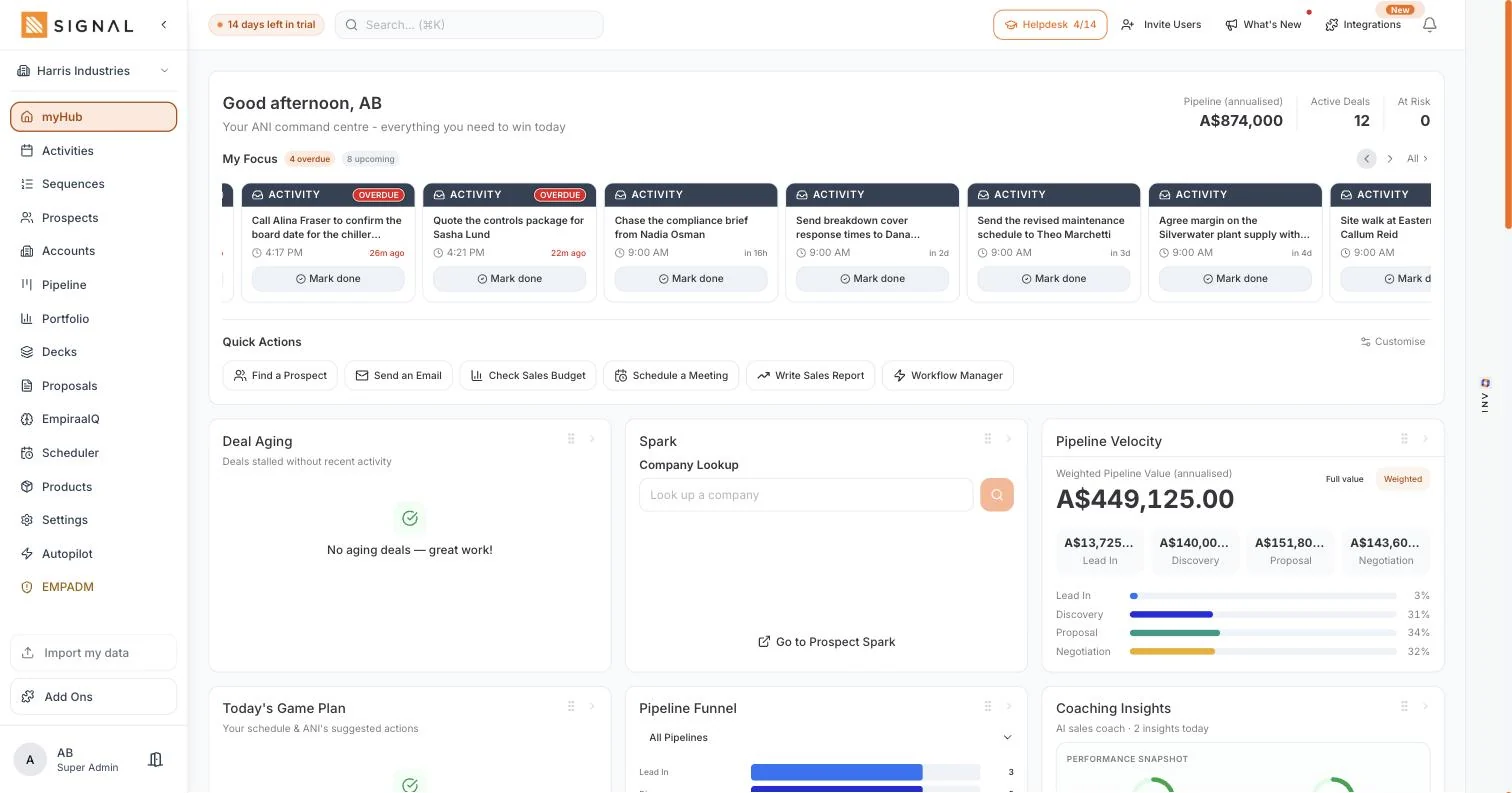
Type a company name and get back what it does, how big it is and who makes the decisions, with contact details there when you need them. It sits on the same screen as your pipeline, so the research does not have to be copied anywhere to be useful.
14 days free. No credit card.
- 14 days free
- No credit card
- Unlimited users
The problem
The data lives in a tool you also pay for.
Priced per seat, sold by the year, and disconnected from everything you do with it.
What that costs
A second subscription per person
Contact data is usually licensed by the seat, so putting it in front of the whole team costs more than the rest of the sales stack combined.
Copy and paste, all day
Look a company up over there, type the details in over here. The work is done twice and mistyped once, and nobody enjoys any of it.
Research nobody else sees
What the rep found out stays in their notes, so the next person to touch that account starts the research again from nothing.
How it works
Research where you already are.
Looking up
The company, in a few seconds
Search a name and get the profile back: what they do, the industry, rough size, location and website. Enough to decide whether they are worth a call before you spend twenty minutes finding out.
- Search from myHub, so a look up is never a detour
- 250 look ups a week on Launch, 700 on Drive and 1400 on Command
- Save it as a prospect or an account and the research stays with the record
The people who can actually say yes
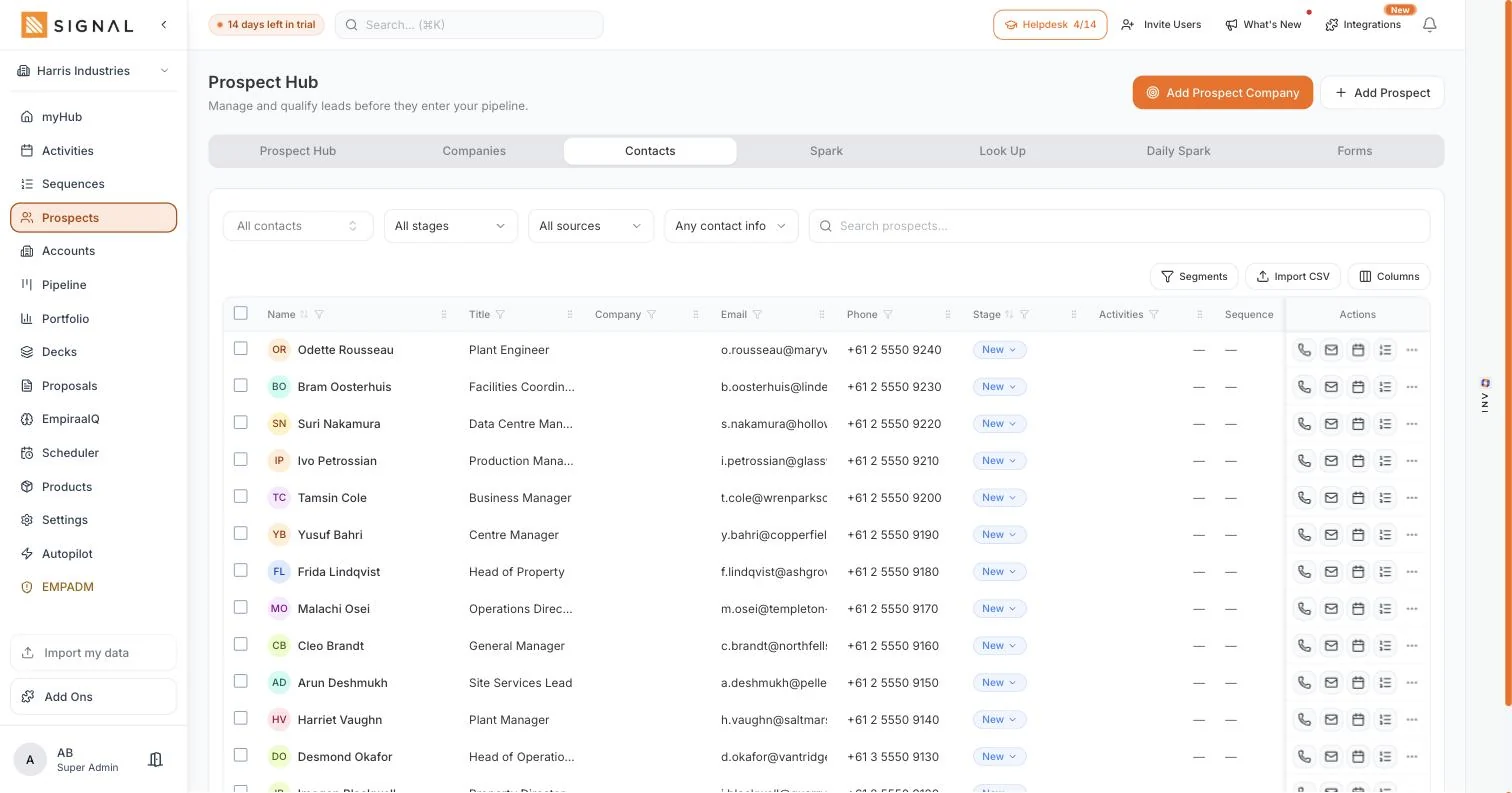
Decision-makers by role rather than whoever answers the main line, with the job titles that matter for what you sell. Reveal the email and phone number when you are ready to use them.
- Contacts by job title, so you are not guessing at the org chart
- 150 contact reveals a week on Launch, 350 on Drive and 700 on Command
- Every reveal lands on the contact record rather than in a download
And it is one click from the call
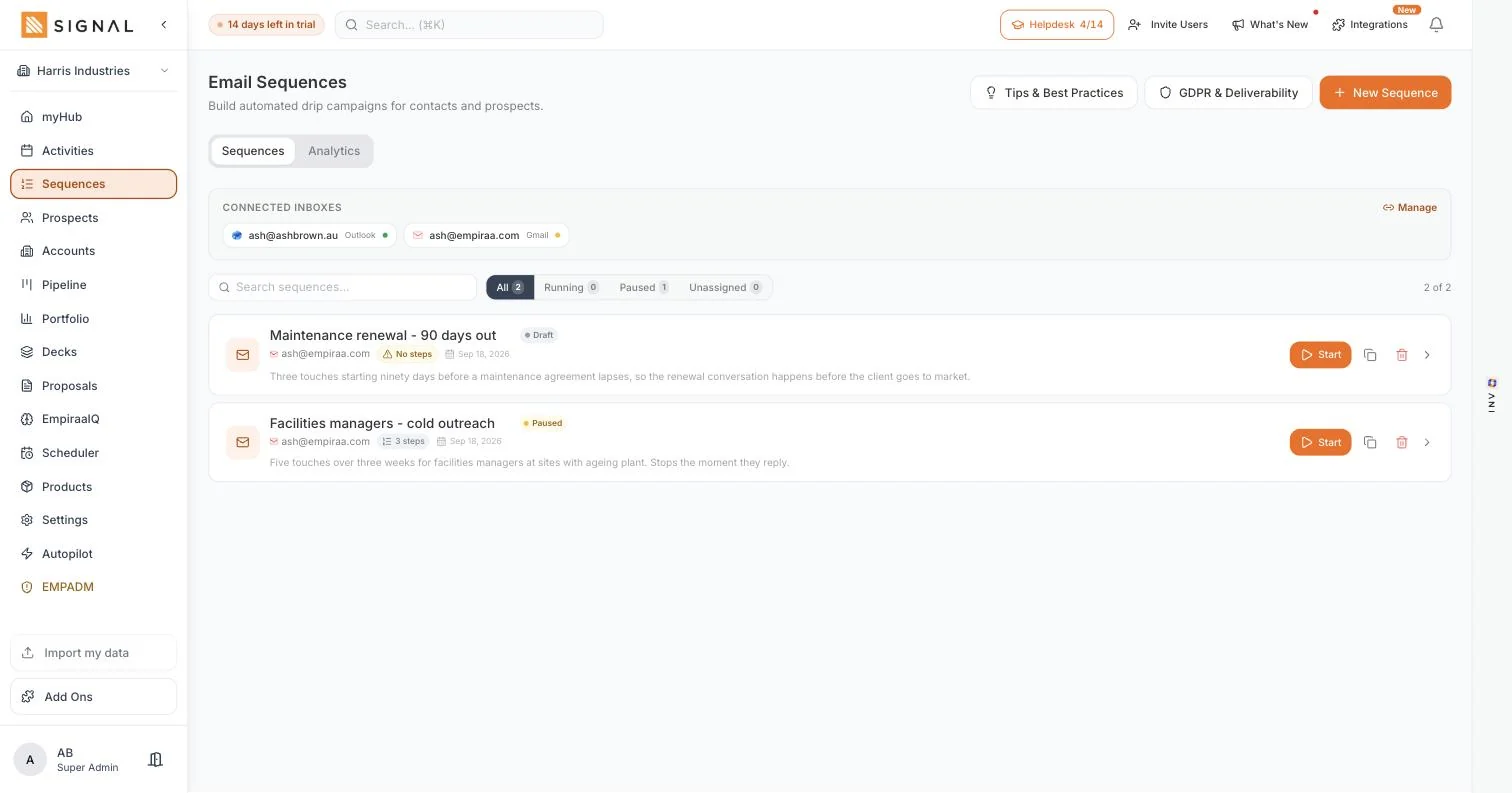
Because the research happens inside Signal, the next step is right there: add them to a sequence, book a meeting, log a call or open a deal. Nothing is exported, and nothing has to be typed in twice.
- Straight into a sequence, a call or a booking from the row
- The whole team sees the research, not just the person who did it
- Limits are on the workspace, so everyone can look things up
Every plan has every feature. The difference between them is volume.
Explore Signal freeWhat you get
What a data tool gives you, without the second bill.
In sales intelligence
Company look up
Profile, industry, size, location and website, from a name.
Decision-makers by role
The titles that matter for what you sell, rather than a switchboard number.
Contact reveal
Email and phone when you need them, saved onto the record.
Straight into outreach
Sequence, call, book or open a deal from the same row.
Learn moreShared with the team
Research lands on the account, so it outlives whoever did it.
Learn moreMetered on the workspace
Weekly limits belong to the workspace, never to a seat, so nobody is rationed by licence.
Learn moreGetting started
Use it on the next call you are unsure about.
Four steps
- 1 minute
Look up a target account
One you have been meaning to approach. See what comes back.
- 2 minutes
Find the right title
The person who owns the problem, not the person who answers the phone.
- 1 minute
Reveal and save
The details land on the record, where the rest of the team can see them.
- 2 minutes
Start the conversation
Sequence, call or booking link, from the row you are already on.
By role
What it changes, seat by seat.
Who feels it
A sales rep
Research and outreach are the same screen, so preparation stops eating the morning.
Learn moreA founder
You can qualify a company before you spend an hour on a meeting that was never going to happen.
Learn moreA CEO or owner
One bill instead of a data subscription per person, with the limits on the workspace.
Learn moreA new starter
They can find the right person in a business they have never heard of on day two.
Learn moreQuestions
Sales intelligence questions, answered.
How is this different from Prospect Spark?
Prospect Spark starts from a description of your ideal customer and finds companies you did not know about. Sales intelligence starts from a company you already have in mind and tells you about it. Most teams use both. More on Prospect Spark.
How many look ups do I get?
Launch includes 250 company look ups and 150 contact reveals a week, Drive 700 and 350, and Command 1400 and 700. Every one of those limits is on the workspace, not per person. See the plan limits.
Is the contact data always right?
No data source is. People change jobs and businesses move. What matters is that a wrong number costs you a minute rather than a subscription, and that when you correct it the correction stays on the record for everyone.
Does everyone on the team need a licence for it?
No. Every Signal plan includes unlimited users and the weekly limits are metered on the workspace, so the whole team can look companies up without another seat being bought.
Can I use it for accounts I already have?
Yes. Look up an existing customer to find the people you have never spoken to, which is usually where the next deal in that account comes from. More on accounts and contacts.
Does my data get used to train AI models?
No. Each customer’s data is kept separate from every other workspace, and it is never used to train AI models. You can export what you hold whenever you want.

Question not answered here? Ask ANI and get a straight answer.
Cancel the data subscription.
14 days free. No credit card. Unlimited users from the first minute.