

Territories and allocation
Who owns which accounts, set by rule rather than by hand.
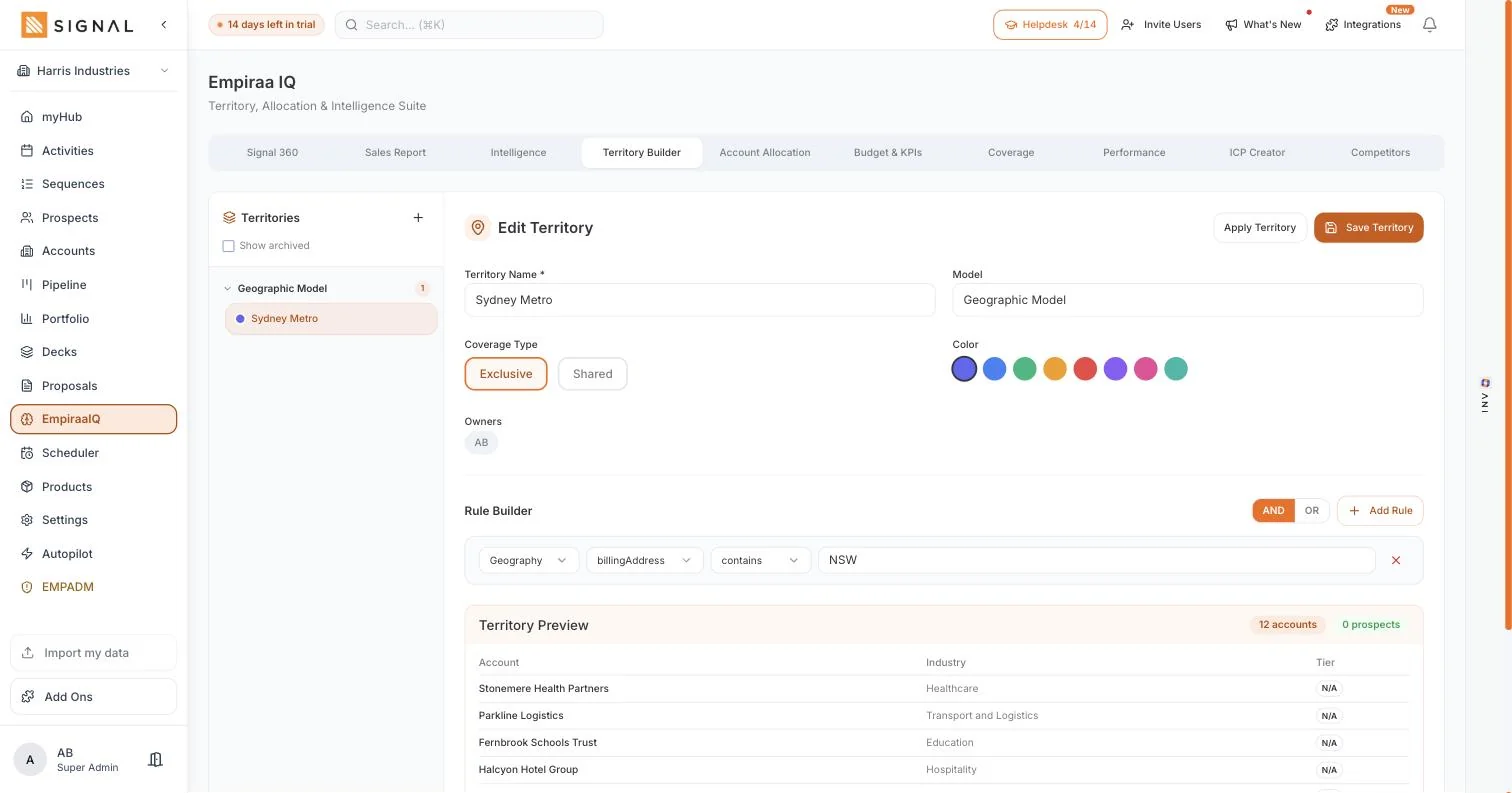
A territory is a rule and an owner. Accounts in Sydney Metro, accounts in an industry, accounts above a size. Signal shows you exactly which accounts the rule catches before you save it, so nobody is missed and nobody is called twice.
14 days free. No credit card.
- 14 days free
- No credit card
- Unlimited users
The problem
Ownership lives in a spreadsheet and a memory.
Which works until the third rep joins, and then it stops working quietly.
What goes wrong
Two people call the same company
The customer notices before you do, and it makes an organised business look like an accident. Nothing in a spreadsheet prevents it.
A patch of the base belongs to nobody
Accounts that were never assigned get no calls at all. There is no alarm for this, so it can run for a year.
Every new starter means a reshuffle
Hand-assigned ownership has to be redone by hand each time the team changes, and the version in the spreadsheet stops matching the system that week.
How it works
A rule, an owner, and a preview.
The territory
Rules that match the way you actually divide work
Match accounts by billing address for a geographic patch, or by the fields your business really splits on. The rule does the assigning, so ownership stays right as accounts are added.
- Geographic territories from the account address
- Coverage type on each territory, so how it is worked is stated not assumed
- New accounts fall into the right territory as they arrive
A named owner on every one
Each territory has a person against it, so an account always has someone answerable for it. When somebody leaves, you change one owner rather than reassigning two hundred records.
- One owner per territory, and the accounts follow it
- Change the owner once when the team changes
- Account history stays on the account, whoever owns it now
And you see what it catches before you commit
The builder previews the accounts a rule covers while you are still writing it. You find the overlap and the gap on the screen, rather than three months later when a customer mentions it.
- The matched accounts listed, with a count, before you save
- Overlaps visible while they are still easy to fix
- Coverage by territory, so an unworked patch cannot hide
Every plan has every feature. The difference between them is volume.
Explore Signal freeWhat you get
Ownership that keeps itself right.
In territories
Rules, not lists
Accounts are matched by what they are, so the split survives the base growing.
Geographic matching
Territories from the billing address, which is how most field businesses actually divide up.
An owner per territory
Every account answerable to somebody, changed in one place when the team changes.
A live preview
See the accounts a rule catches before you save it, with the count beside it.
Coverage type
How a territory is meant to be worked, recorded rather than assumed.
Feeds coverage
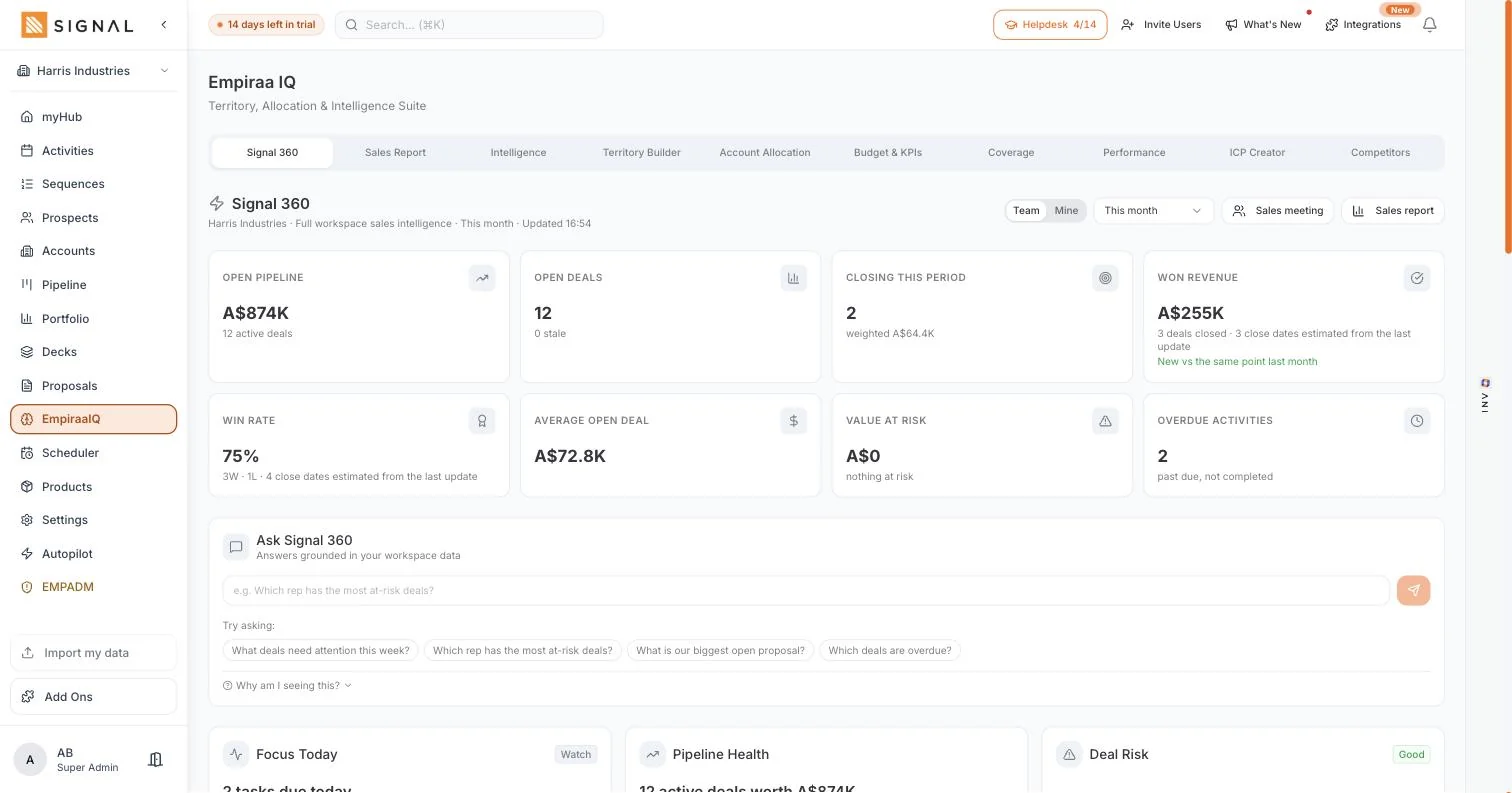
What share of each territory is actually being touched, as a number.
Learn moreGetting started
Half an hour, and the base is covered.
Four steps
- 10 minutes
Import your accounts
With their addresses, because that is what most rules match on.
- 10 minutes
Build one territory
Start with the patch you already treat as one. See what it catches.
- 5 minutes
Set the owners
One name per territory. This is the bit that stops double calling.
- 5 minutes
Check what is left over
The accounts no territory caught are the ones nobody has been calling.
By role
What it changes, seat by seat.
Who feels it
A sales manager
You can answer who owns what, and prove it, without opening a spreadsheet.
Learn moreA sales rep
Your patch is clear, so you are not asking permission or apologising to a colleague.
Learn moreA CEO or owner
Every account belongs to someone, which is the simplest way to stop revenue leaking.
Learn moreA growing team
Adding the fourth rep is a rule change rather than a week of reassignment.
Learn moreQuestions
Territory questions, answered.
Do I have to assign accounts one by one?
No. A territory is a rule with an owner, so accounts are matched as they arrive. Hand assignment is still there when you want to override a rule for one account.
Can I see which accounts a rule will catch?
Yes, before you save it. The builder previews the matched accounts with a count, so an overlap or a gap is caught while it is still one click to fix.
What happens when a rep leaves?
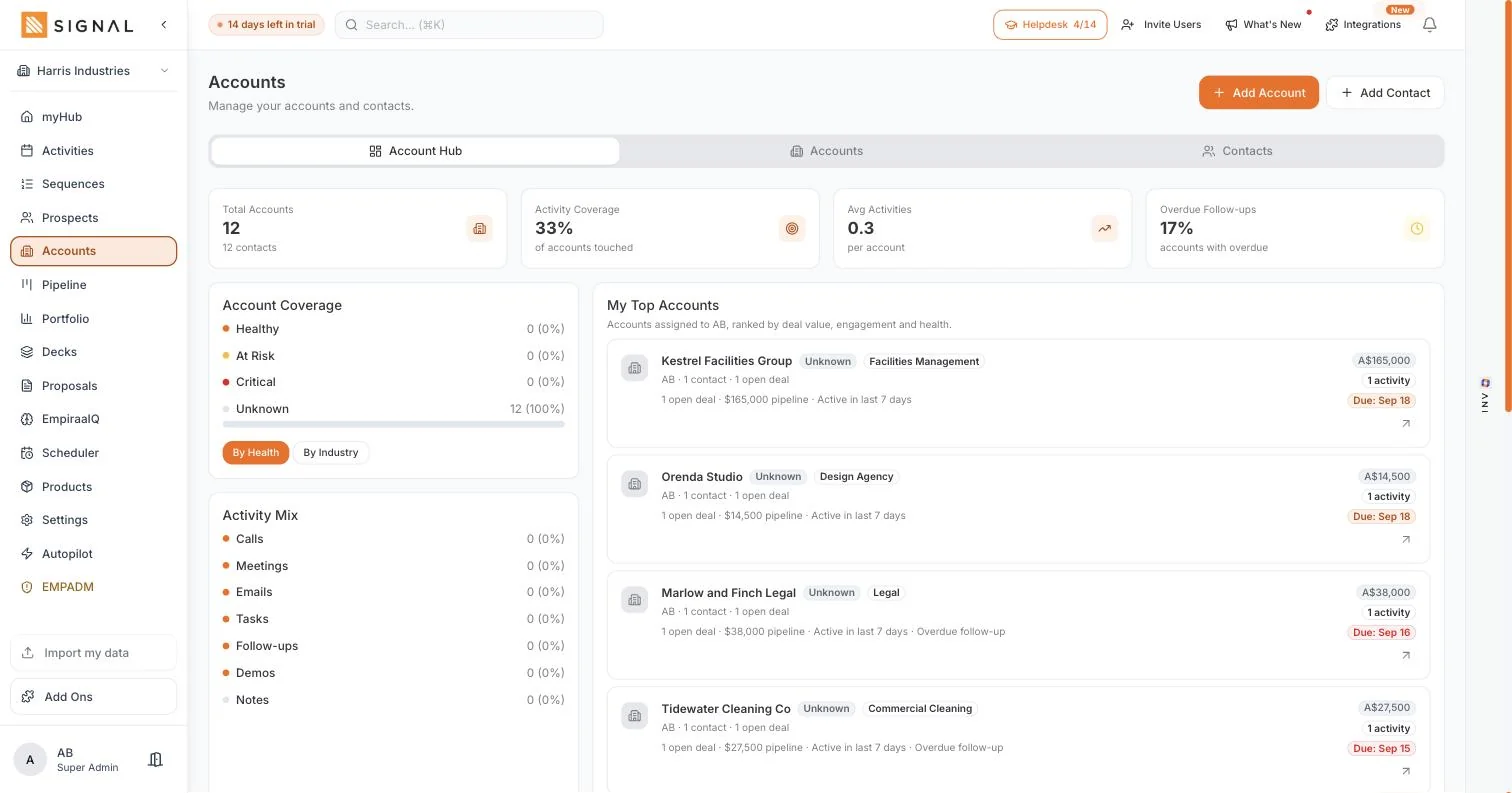
You change the owner on the territory. The accounts, the history and the open deals stay where they are, and the next person picks them up with the full context. More on accounts and contacts.
Can I split by something other than geography?
Yes. Geography is the common case and matches on the billing address, but a territory is a rule over your account fields, so you can split the way your business really divides work.
Does this control what people can see?
Permissions are set by role, and what a rep can see is set by you. Territories decide ownership and coverage; the two work together but they are not the same control.
Do territories cost extra?
No. Territories are part of Empiraa IQ, which is part of Signal, and every plan includes unlimited users. See pricing.

Question not answered here? Ask ANI and get a straight answer.
Give every account an owner.
14 days free. No credit card. Unlimited users from the first minute.