

Empiraa GPS for CFOs
Tie the budget to the strategy it funds.
Empiraa GPS gives CFOs a live link between the numbers and the plan. Connect Xero to bring in budgets and actuals, track financial goals against pace, and report finance and strategy together from live data.
- Set up with your plan
- Unlimited users
- 30-day pilot
The challenge
The budget is in one place. The plan it pays for is in another.
Finance teams know the numbers well. What is harder to see is how the strategic priorities behind those numbers are tracking.
What gets in the way
Budget and plan apart
The budget lives in the ledger, and the strategy lives in a slide deck.
Variances found late
A gap against budget shows up at month-end, weeks after it started.
Numbers copied by hand
Financial results are retyped into the plan and the board pack.
Spend without a line of sight
Strategic projects spend money, but their progress is reported somewhere else.
How GPS helps
Finance and strategy in the same view.
GPS for the CFO
Budgets and actuals from Xero
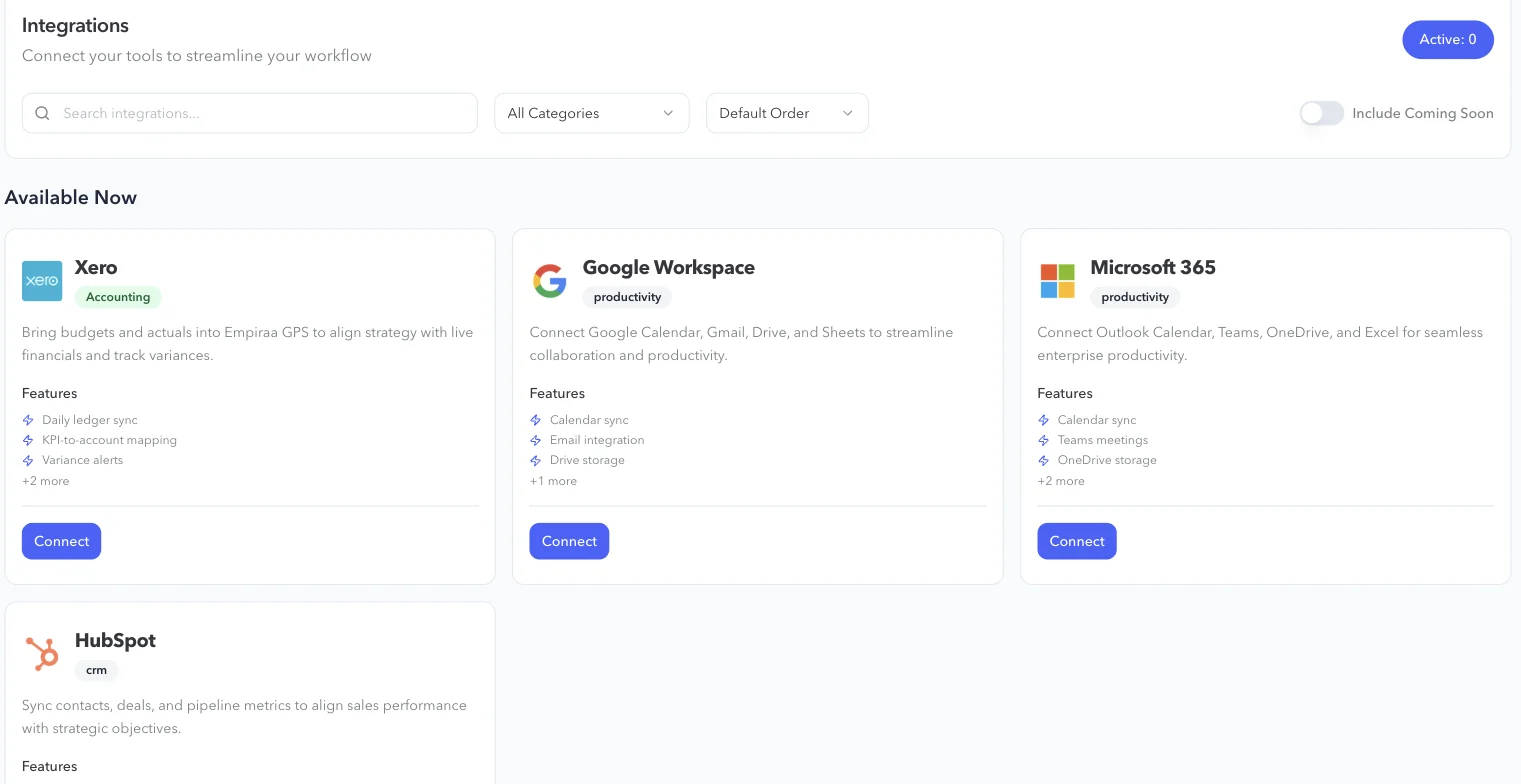
Connect Xero to bring budgets and actuals into GPS. The ledger syncs daily, and variance alerts show when results drift from the budget.
Financial goals measured against pace
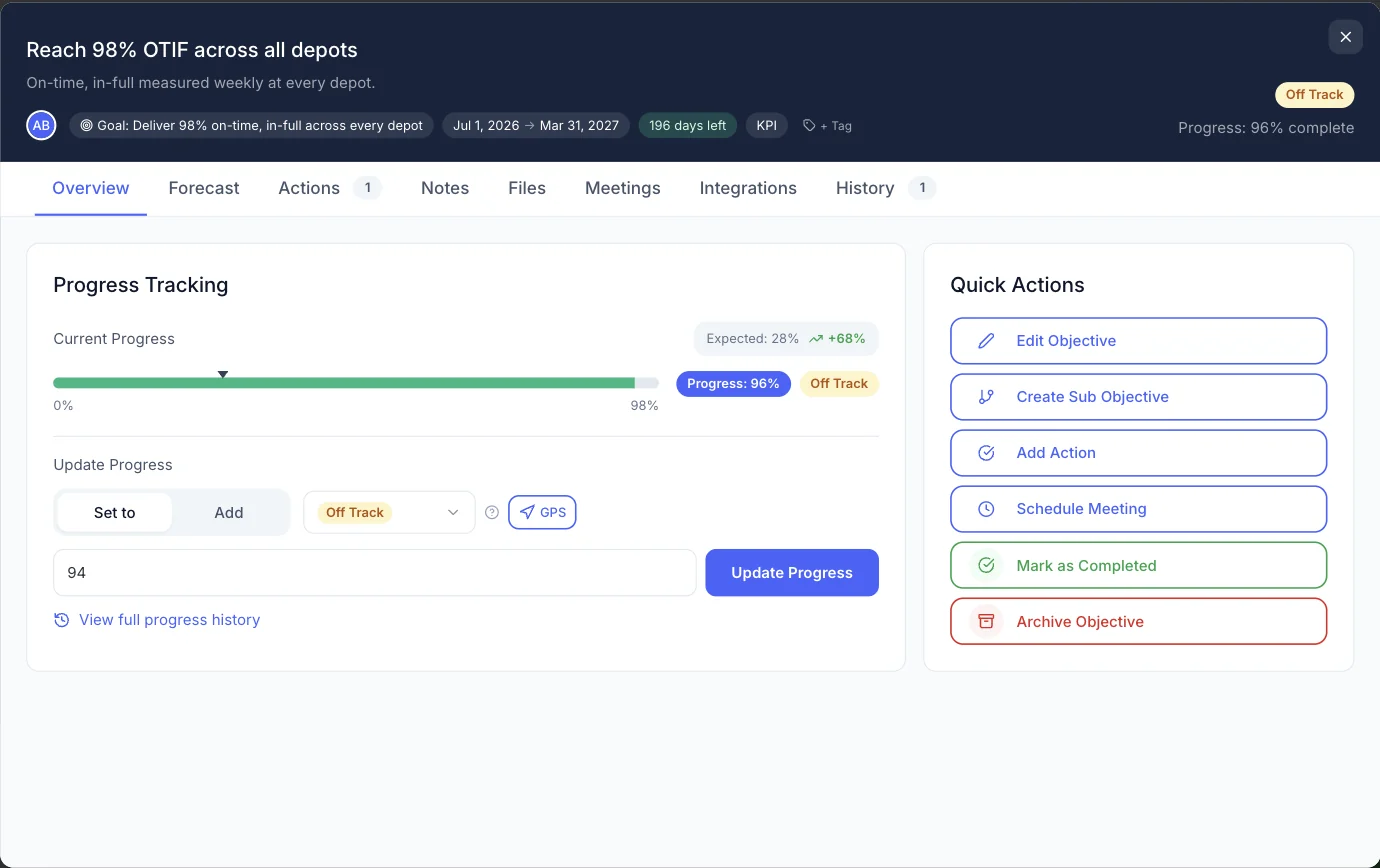
Map KPIs to the Xero accounts behind them. Each financial objective shows its progress against where it should be today, with its forecast beside it.
A financial and forecast report
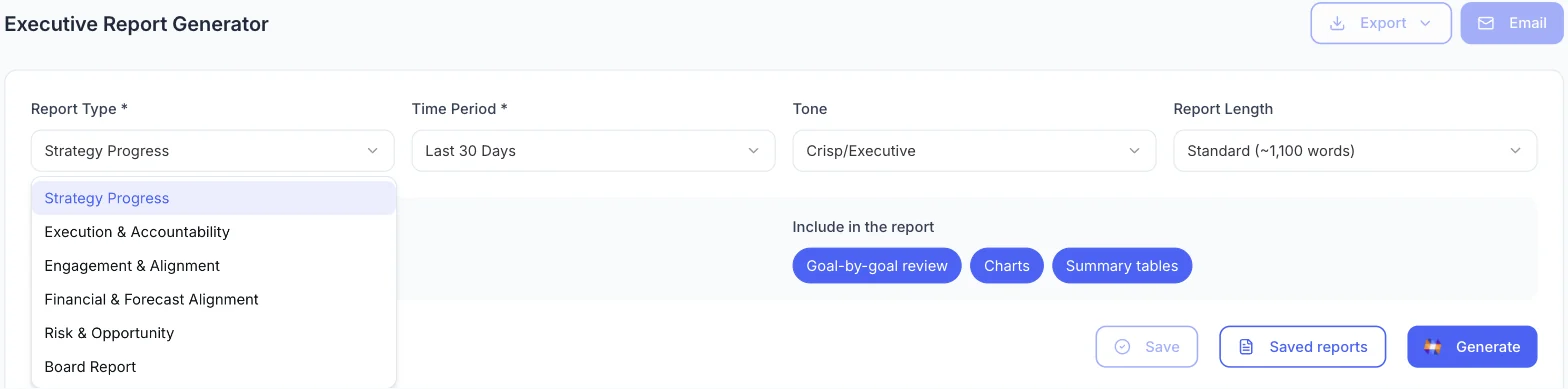
One of the six report types puts financial goals and the forecast next to the plan they fund, written from live data.
The gap, in the board pack
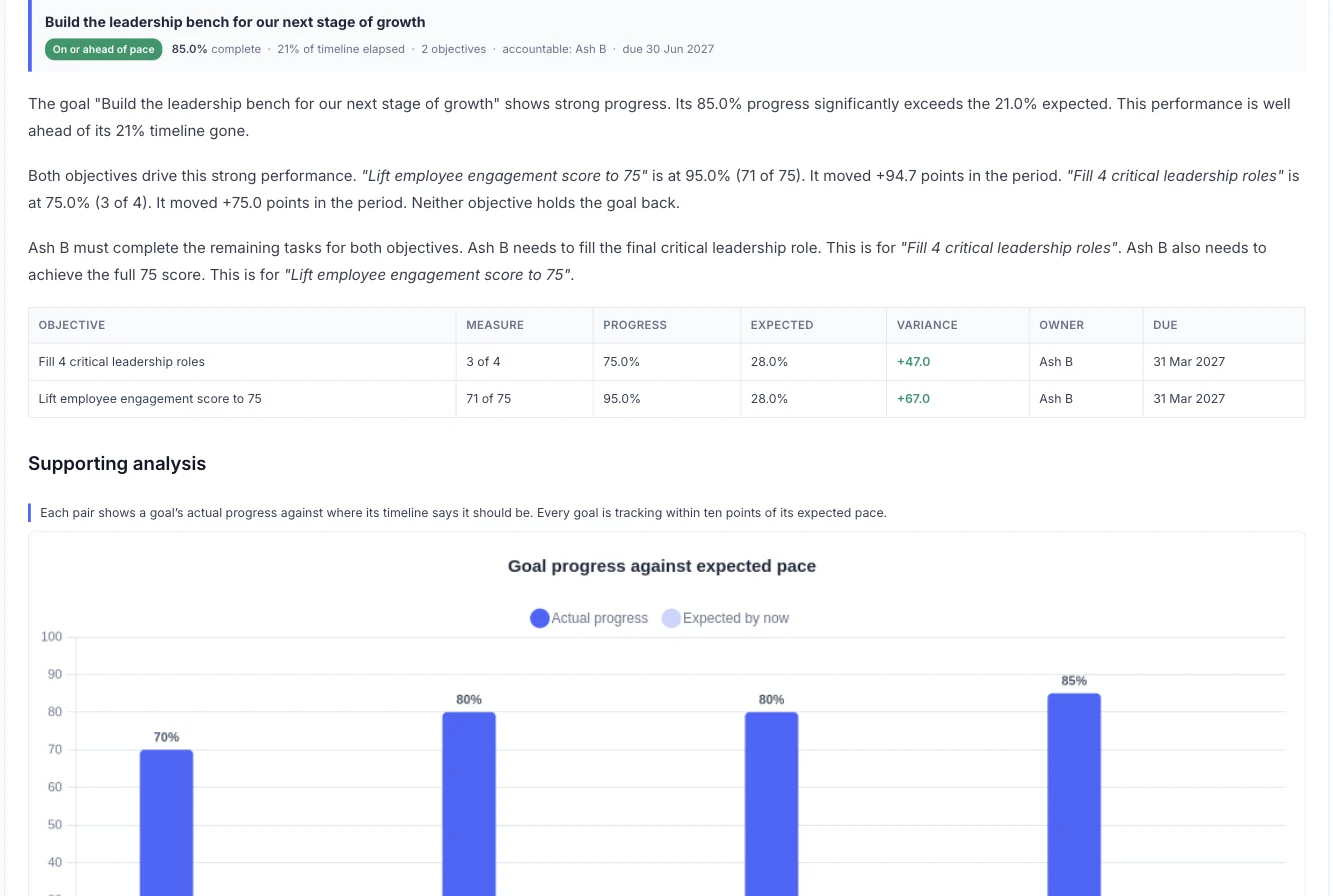
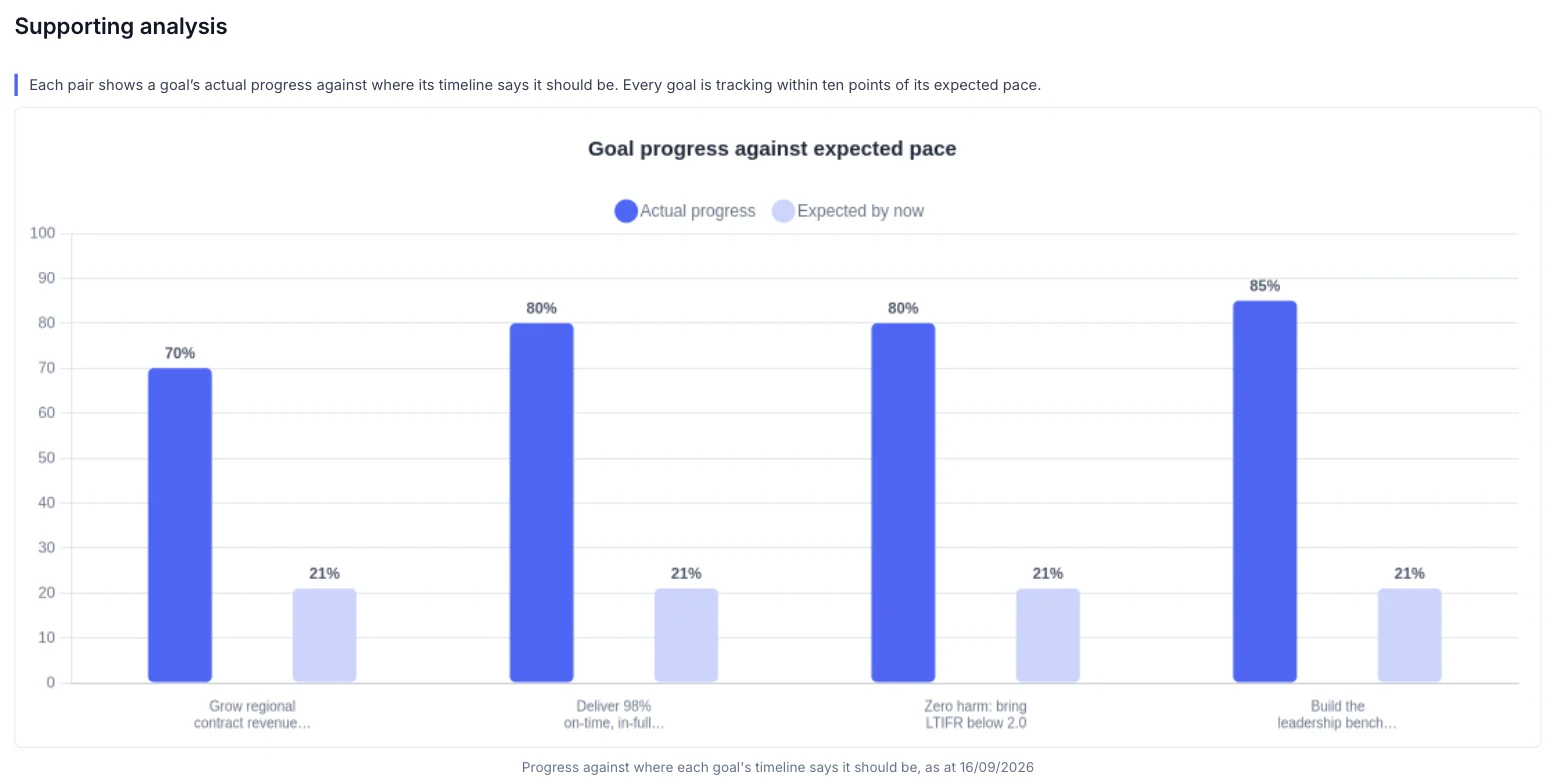
Charts compare each goal’s actual progress with where it should be, ready for the board or the owners.
What you get
Controls a finance leader expects.
What the CFO gets
Private goals
Keep sensitive financial goals to the people who need them.
Access by role
Choose who can see and change what.
Read about securityAPI and webhooks
Send values from your finance systems into objectives.
See the APICompare plans
Compare capacity, reporting and support for your organisation.
See Business plansYour month with GPS
Finance and the plan, in step.
The month
Every day
The Xero ledger syncs, and financial objectives stay current.
Every week
Check which financial goals are behind pace, and why.
Month-end
Generate the financial and forecast report from live data.
Board meeting
Share financial goals and variances next to the rest of the plan.
Your leadership team
The same plan, seen by everyone who delivers it.
Other roles
Questions
Questions CFOs ask.
Which finance systems does GPS connect to?
Xero, for budgets, actuals and variances. Other systems can send values into GPS through the API. See integrations.
How often do the numbers update?
The Xero ledger syncs daily.
Can we keep financial goals private?
Yes. Goals and objectives can be kept private to the people who need them, and access is set by role.
How is GPS priced?
Pricing is set for each organisation, based on its size, rollout and the support it wants. Every plan includes unlimited users, ANI, implementation and training, and we confirm the price in writing. See how pricing works.
Can our security team review GPS?
Yes. SOC 2 is in progress, and we can complete your security questionnaire during procurement. Read about security.

Question not answered here? Ask ANI and get a straight answer.
See the finance view in 15 minutes.
Start for free and bring your goals, people and progress into GPS.