

Xero integration
Your financials, inside the plan. Synced every day.
The Empiraa GPS Xero integration brings your budgets and actuals into the strategic plan. Map KPIs to your Xero accounts, track variances and see financial goals move with the books.
- Set up with your plan
- Unlimited users
- 30-day pilot
 Empiraa GPSXero
What connects
- Budgets and actuals
- Daily ledger sync
- KPI-to-account mapping
- Variance alerts
Category: accounting
Why it matters
Financial goals shouldn’t wait for month-end.
What gets in the way
Numbers copied by hand
Someone pulls figures from Xero into a spreadsheet, then into the plan, every month.
Plan and books disagree
The strategy says one number and the accounts say another, and no one knows which is current.
Variances found late
A gap against budget shows up in the month-end pack, weeks after it started.
How it works
Connect once. The plan keeps up with the books.
Xero and GPS
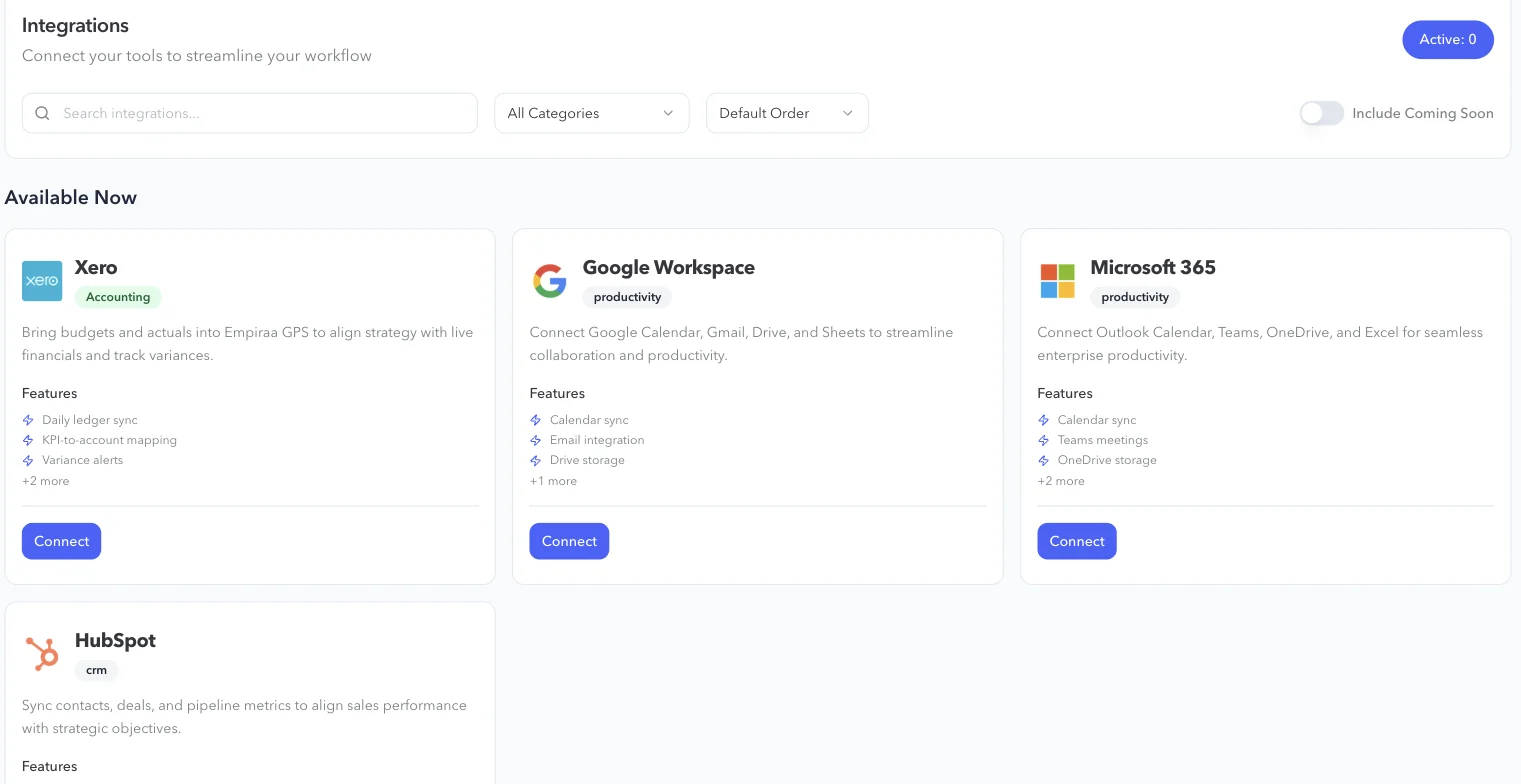
Connect Xero in GPS
Open Integrations in GPS, choose Xero and press Connect, then sign in to your Xero organisation. The ledger syncs every day after that.
- Budgets and actuals
- Daily ledger sync
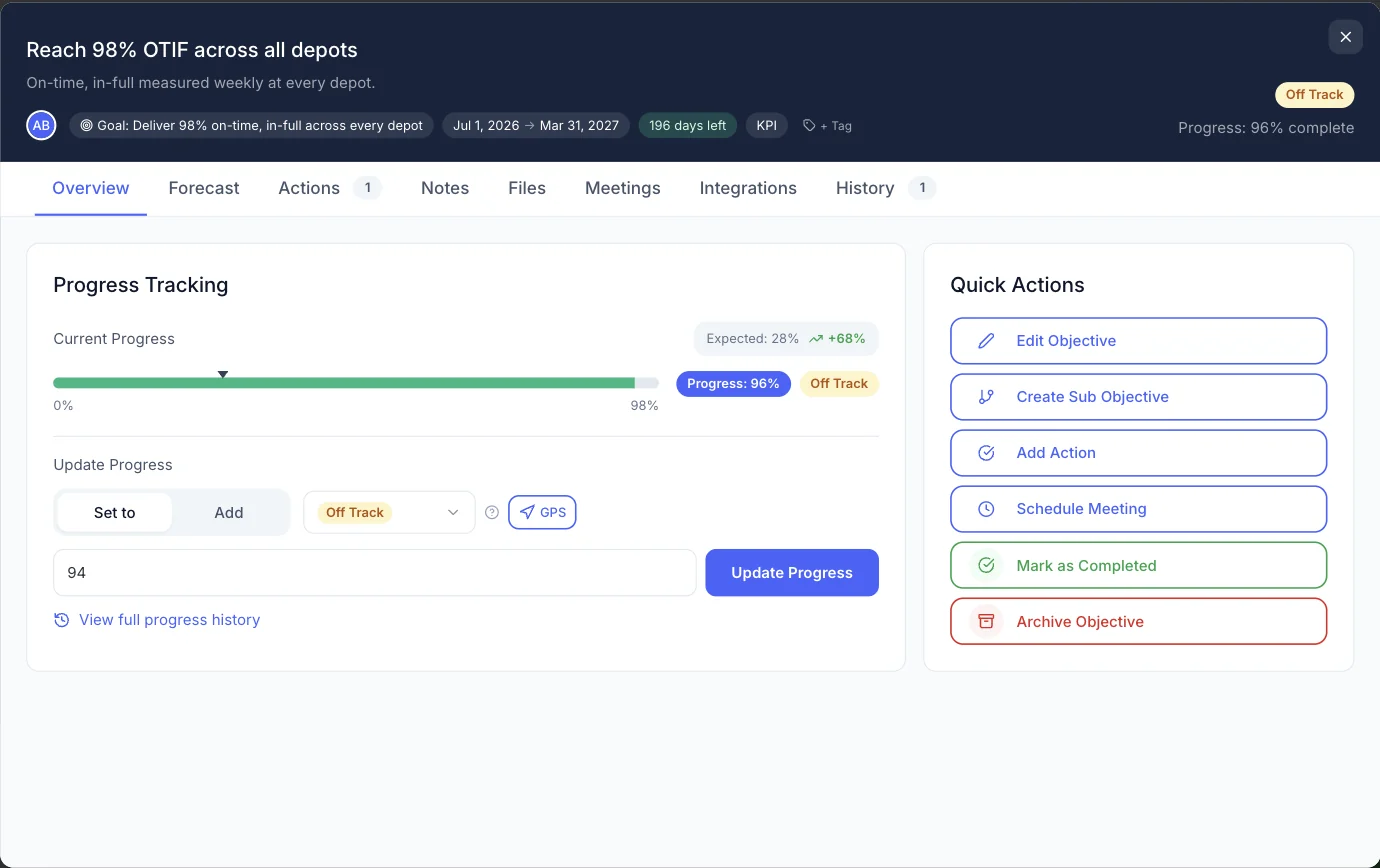
Map KPIs to your accounts
Link a financial objective to the Xero accounts behind it, so its progress reflects your books. Each objective keeps its forecast and integrations next to its progress.
- KPI-to-account mapping
- Variance alerts
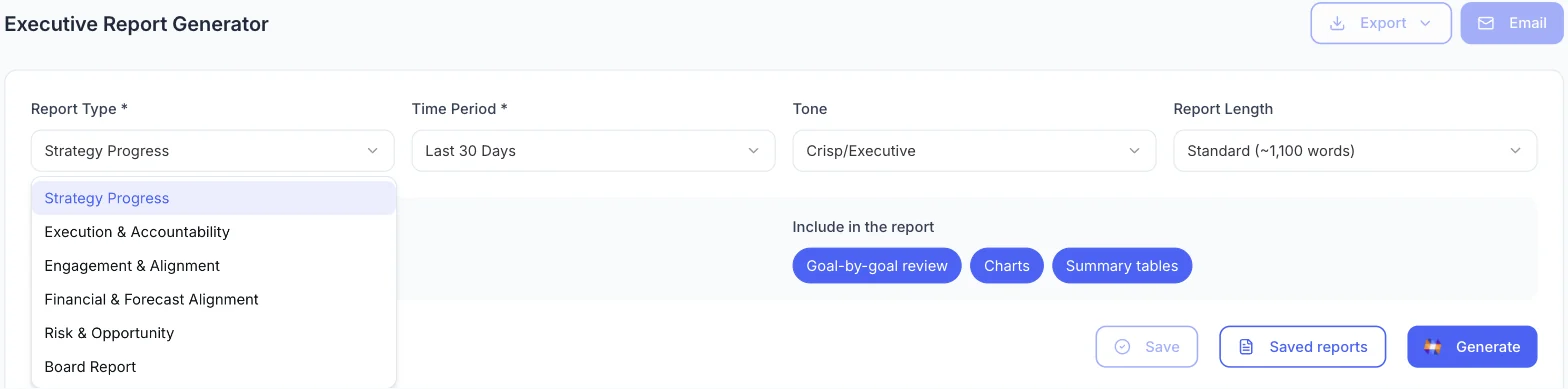
Report finance and strategy together
The financial and forecast alignment report puts financial goals and the forecast next to the plan they fund.
What you get
What the Xero integration does.
Xero features
Budgets and actuals
Bring both into GPS to align the strategy with live financials.
Daily ledger sync
Financial objectives reflect the books, updated every day.
KPI-to-account mapping
Choose the Xero accounts behind each financial KPI.
Variance alerts
Know when results drift away from the budget.
Financial reporting
Financial goals and the forecast, side by side with the plan.
Private financial goals
Keep sensitive financial goals to the people who need them.
Who it’s for
One set of numbers for finance and strategy.
By role
CFO
Tie the budget to the strategy it funds, with variances in view every day.
CEO or MD
See revenue and margin goals move with the books, not with a spreadsheet.
Owners and boards
Financial goals in the report, from the same numbers as the accounts.
Questions
Xero integration questions, answered.
What does the Xero integration do?
It brings budgets and actuals from Xero into Empiraa GPS, maps KPIs to your accounts and alerts you to variances, so financial goals reflect your books.
How often does it sync?
The ledger syncs daily.
Can we choose which accounts feed a KPI?
Yes. Map each financial KPI to the Xero accounts behind it.
Who can see our financial data in GPS?
Access is set by role, and financial goals and objectives can be kept private. See how GPS protects your data.
Do we need Xero to use GPS?
No. GPS works without it. Connect Xero when you want financial goals to update from your books.

Question not answered here? Ask ANI and get a straight answer.
See a plan connected to Xero.
Start for free and bring your goals, people and progress into GPS.