

Claude integration
Work on your plan from Claude. With the access you choose.
Connect Empiraa GPS to Claude, the AI assistant made by Anthropic. Your team can ask Claude about the plan and, with the access you allow, add goals, objectives and actions and record progress without leaving the conversation.
- Set up with your plan
- Unlimited users
- 30-day pilot
 Empiraa GPSClaude
What Claude can do with GPS
- Answer questions about your plan
- Create goals, objectives and actions
- Record progress
- Only with the access you allow
Category: AI assistant
Why it matters
Your team already thinks in Claude. The plan should be one question away.
What gets in the way
Copy and paste
People paste parts of the plan into a chat, and the copy is stale by the next meeting.
Plans that stay in the chat
A good planning conversation ends, and someone still has to type it all into the plan.
Unclear access
Leaders need to know exactly what an AI assistant can see and change.
How it works
Connect once, then work from the conversation.
Claude and GPS
Connect from GPS
Choose Connect to Claude in the GPS header and follow the steps to link your workspace.
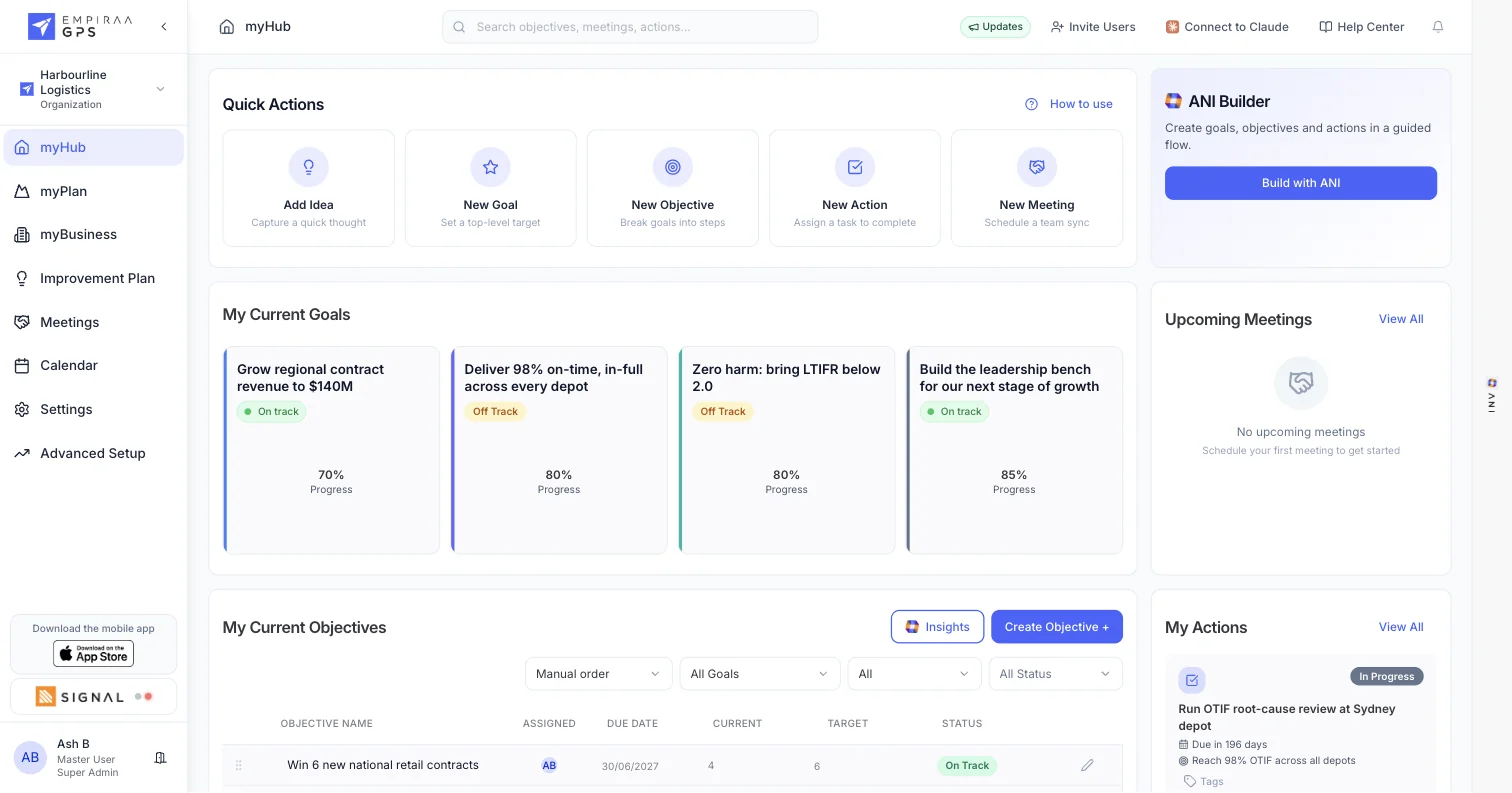
Ask about the plan
Ask Claude what is off track, who owns a goal or what changed this month, and it answers from your live GPS data.
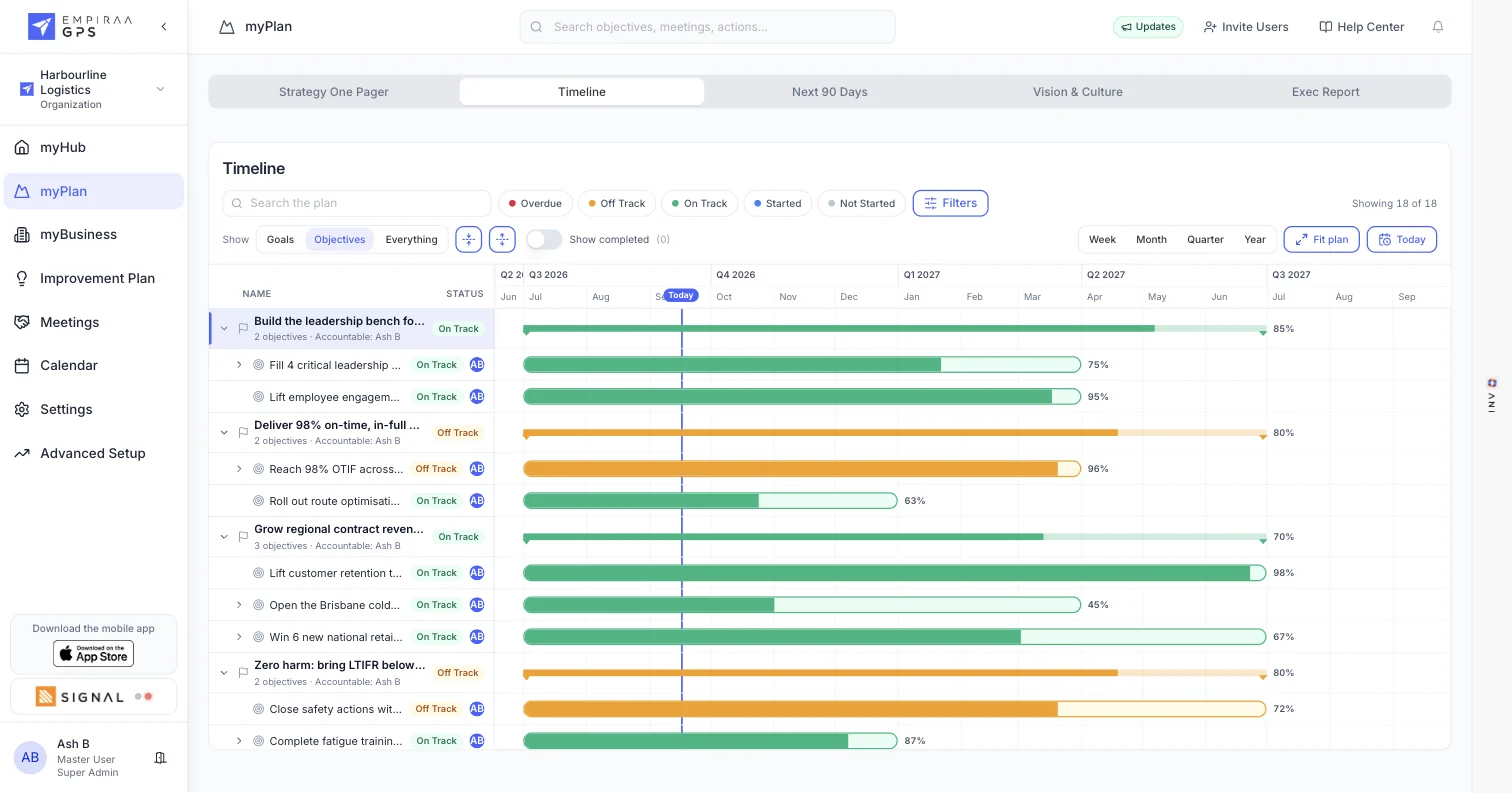
Update the plan from the conversation
With write access, Claude can add goals, objectives and actions and record progress, so a planning session ends with the plan already updated.
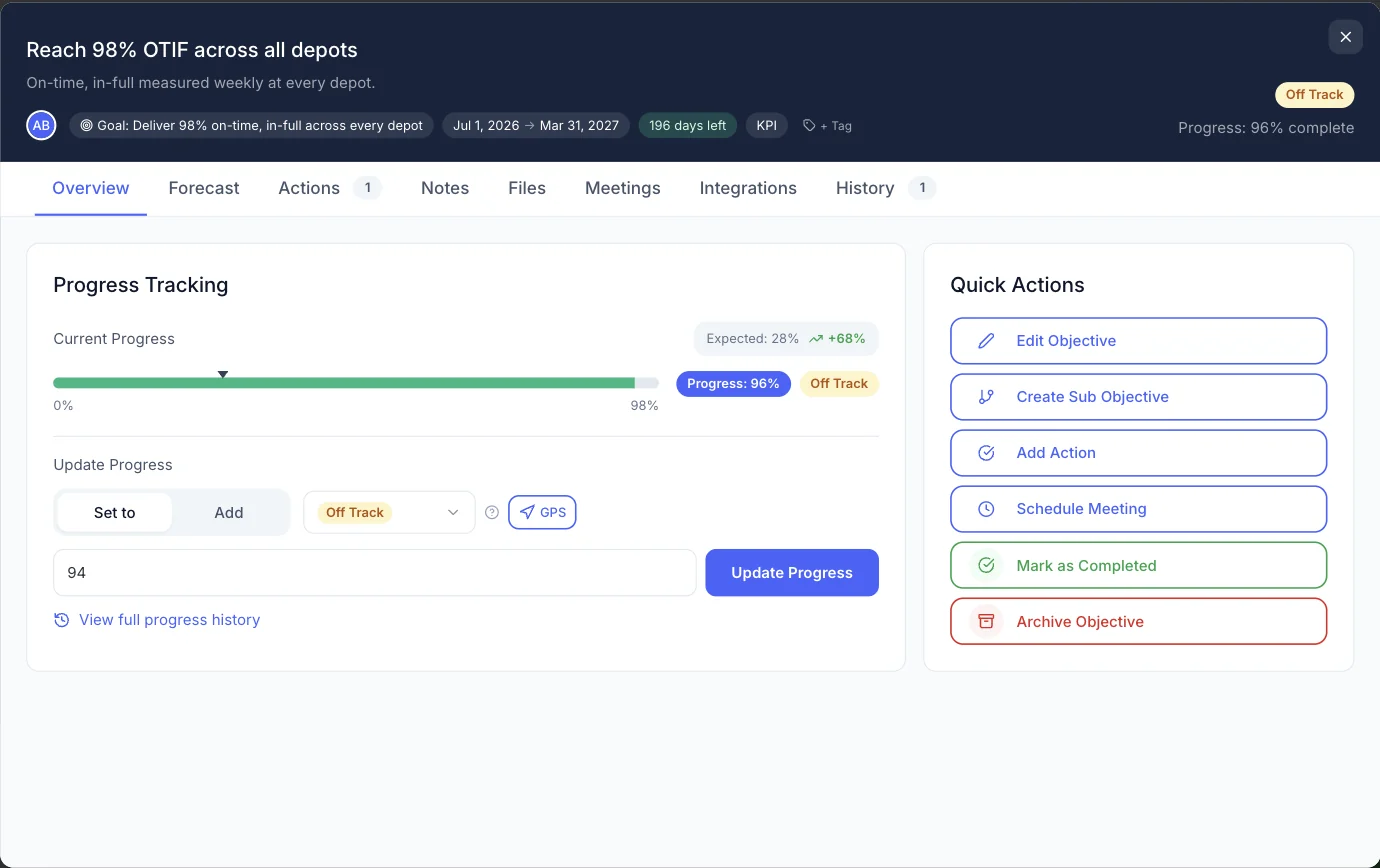
What you get
What the Claude connection does.
Claude features
Read the plan
Goals, objectives, actions and progress, from your live workspace.
Build the plan
Add goals, then objectives under them, then the actions that deliver them.
Record progress
Update an objective’s progress from a conversation.
Access you control
Choose what the connection can read and change.
ANI or Claude
You don’t have to choose.
ANI is built into every GPS plan. Claude is there for teams that already work in it.
How they differ
ANI, built into GPS
Included in every plan and available on every screen. ANI runs on Google Cloud’s Vertex AI, and your data is never used to train AI models.
See ANI in GPSClaude, connected
For teams that already use Claude. Claude works under your own Claude account and its settings, and reaches only the GPS data you allow.
Related
Keep exploring GPS.
Related pages

Questions
Claude integration questions, answered.
What is Claude?
Claude is an AI assistant made by Anthropic. Many teams use it for writing, analysis and planning.
What can Claude do with GPS?
Answer questions about your plan and, with the access you allow, add goals, objectives and actions and record progress.
Do we need Claude to use GPS?
No. ANI, the AI strategist, is built into every GPS plan. Connect Claude if your team already works in it.
How is our data handled?
Claude reaches only the GPS data the connection allows. What you share in a Claude conversation is handled under your Claude account and its settings. Read about GPS security.

Question not answered here? Ask ANI and get a straight answer.
See GPS and Claude working together.
Start for free and bring your goals, people and progress into GPS.